All guides
Install Tax Techie on a Mac
Install Tax Techie on your Mac in about two minutes: what your Mac needs, the download, and how to open it the first time.
Last checked November 5, 2026
Install Tax Techie on your Mac and open it for the first time. It takes about two minutes.
Before you start
- macOS 13.3 (Ventura) or later. To check, open the Apple menu, then About This Mac.
- A Mac with Apple silicon. Tax Techie hasn't been confirmed on Intel Macs yet.
- An internet connection, to download Tax Techie. You need one again only when you send a return.
On Windows? See install Tax Techie on Windows.
Steps
-
Go to the download page and download Tax Techie for Mac. It is a disk image, a file ending in
.dmg. -
Open the disk image from your Downloads folder. A window shows Tax Techie and a shortcut to your Applications folder.
-
Drag Tax Techie onto the Applications shortcut. When it has copied, eject the disk image (the eject button beside it in the Finder's sidebar).
-
Open Tax Techie from your Applications folder, or search for it with Spotlight (Command-Space).
-
The first time, macOS may not open Tax Techie, and say it can't check it. Close that message, then open System Settings, choose Privacy & Security, scroll down, and click Open Anyway.
Why does macOS ask? Tax Techie isn't yet notarized by Apple, so macOS asks you to confirm that you want to open it. You confirm it once: after that, Tax Techie opens like any other app.
-
Tax Techie opens on its Taxpayers screen. The first time, the list is empty; this one has two sample taxpayers.
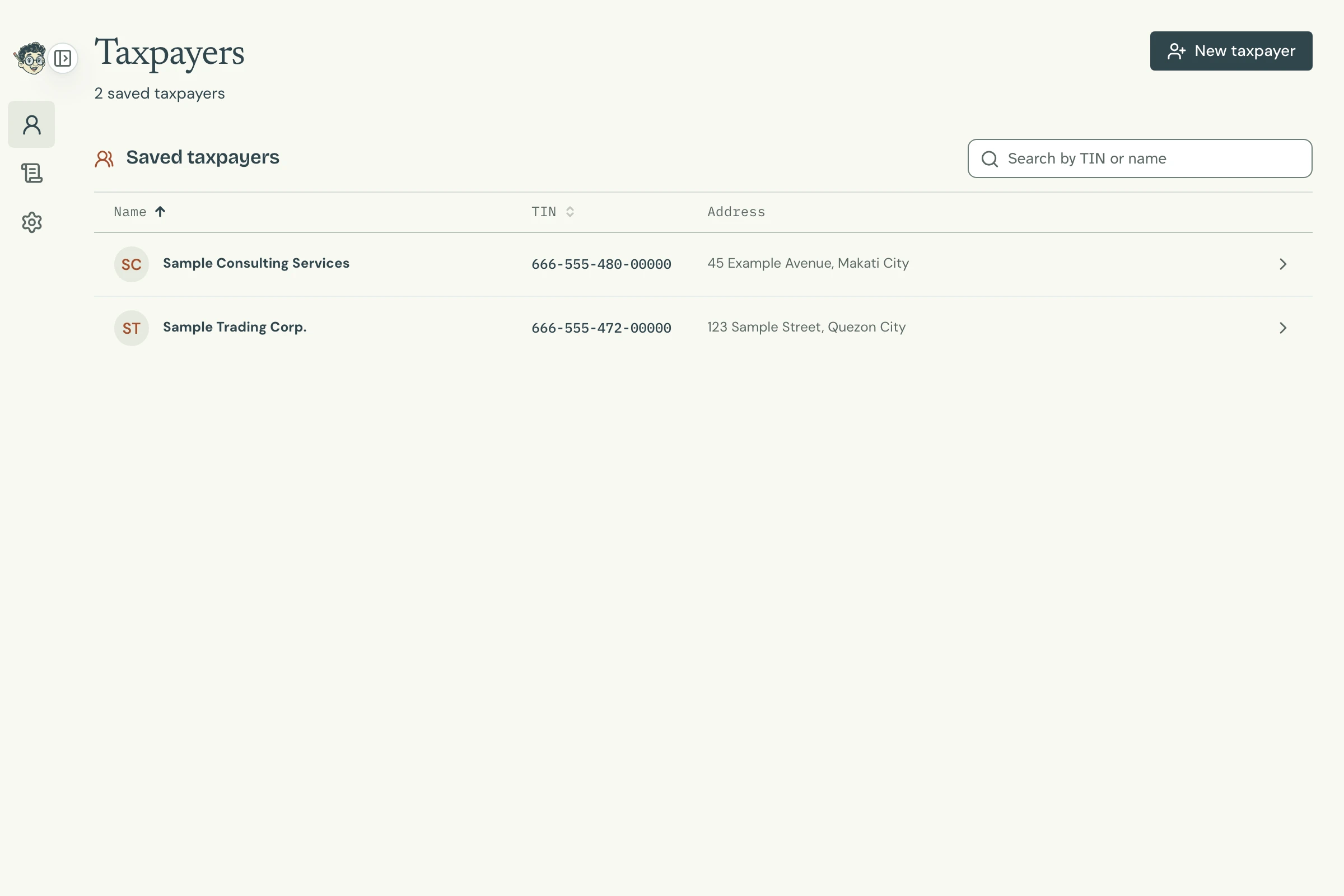
Tax Techie's Taxpayers screen Open full size

Next, file your first return.
Questions
Does Tax Techie need an account?
No. Your taxpayers and returns are saved on your Mac, in Tax Techie's data folder. Settings shows where it is, and lets you choose another.
Can I use my returns from eBIRForms?
Yes, for the forms Tax Techie has. In Settings, under Files from eBIRForms, click Import files… and choose the files in eBIRForms' profile and savefile folders. They open in Tax Techie unchanged, and a return saved in Tax Techie opens in eBIRForms.
How do I remove Tax Techie?
Drag Tax Techie from your Applications folder to the Trash. Your taxpayers and returns stay in the data folder.